在您的個人帳戶安裝 Formfacade
您希望 Google Form 和網站風格一致,但 Google Forms 只能讓您變更頁首、顏色和字型,而嵌入的表單會放在 iframe 中。Formfacade 是 Google Forms 的外掛程式,不用 iframe 就能嵌入表單,並讓您把它自訂得和網站一樣。您只要在任何一份 Google Form 中,從 Google Workspace Marketplace 安裝一次即可。
在 Google Forms 中開啟一份表單,然後依照下列步驟操作。
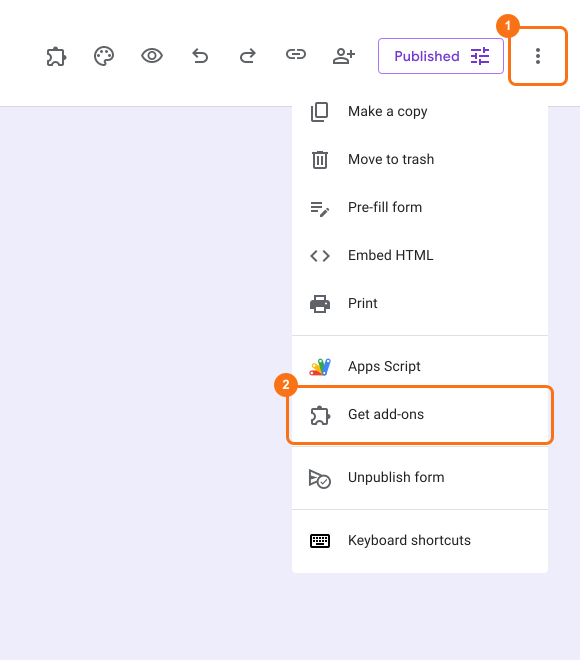
- 開啟 Google Form,接著開啟 ⋮ 選單,然後點選 Get add-ons
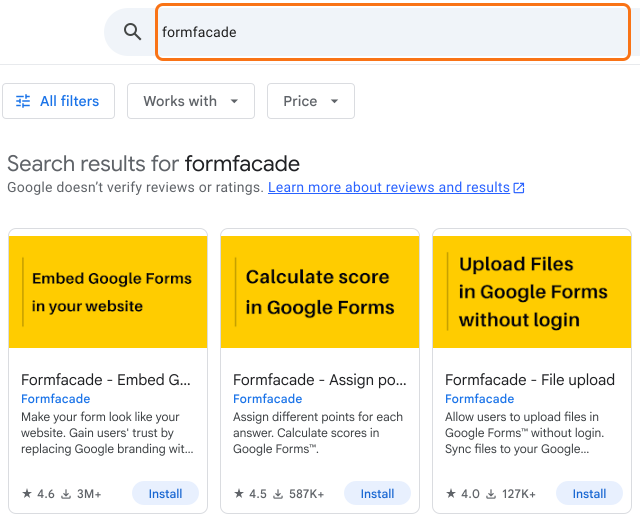
- 在搜尋列中輸入 'Formfacade'
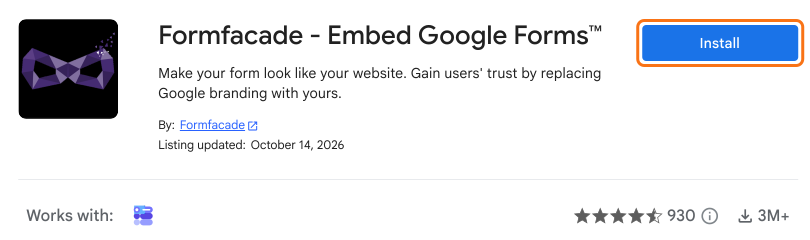
- 點選 Install 按鈕安裝外掛程式
- 接受授權

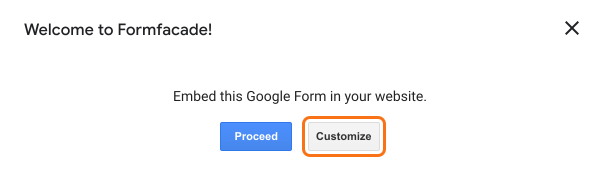
安裝 Formfacade 後,您的 Google Form 上會出現一個彈出視窗。如果您的 Google Form 已經可以嵌入,點選「Proceed」就能取得可直接加到網站的嵌入程式碼。沒錯!有了 Formfacade,您就能「真正」把 Google Form 嵌入任何地方。祝您嵌入愉快!
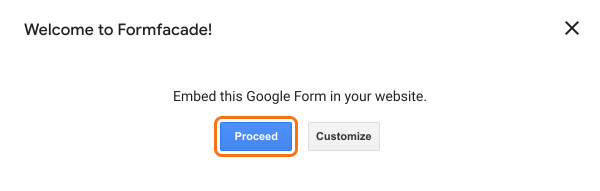
或者,如果您需要進一步自訂 Google Form,請點選「Customize」。讓您的表單看起來和您的網站一樣!
摘要
如果您的 Google Form 看起來和網站不一樣,在 Google Forms 本身能改的不多。使用 Formfacade,您從 Google Workspace Marketplace 安裝外掛程式,就能嵌入或自訂表單。如有任何問題,請寫信給支援團隊。
最後更新: