How to Build a Classification Model with Promptrepo?
This is a common question from Google Sheets users who sort items into categories by hand. For example, you may sort food pages by nutrition category. It takes time and two people will not always pick the same one. A general AI model gives you different labels each time, unless it is trained on your own examples and doing that on your own takes code. With Promptrepo, you can build a classification model from your examples and it will answer with one of your own categories. Even better, you don't write any code and you can call the model as an API from your app or website.
Let's start. Create your AI model and follow the steps below.
Classification models categorize input data into predefined labels. In this tutorial, we'll build a food classification model to categorize food items using PromptRepo.
Step 1: Preparing Training Data
For classification, our dataset consists of:
- Web page title: The name of the web page
- Web page content: Content of the page
- Nutrition category: The correct category label (e.g., Red Meat, Beverages, Cheese, etc.)
You can start with one example, as below and add the rest to its Google Sheet later.
Step 2: Creating the model in Promptrepo
- Once you click on Create your AI model, you will land on the "Create your own AI model" page
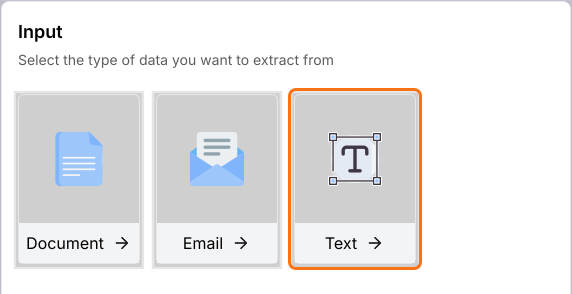
- Under Input, click on Text. You can also click on Document or Email.
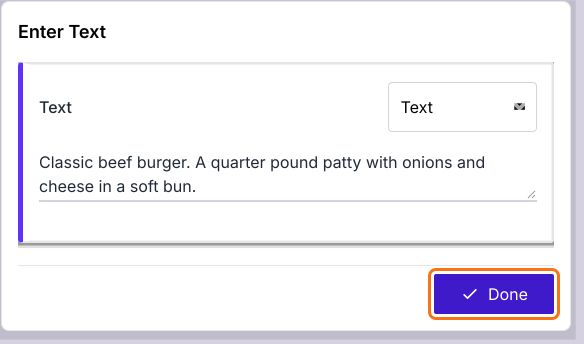
- Enter one example in the box: a web page title and its content, such as "Classic beef burger. A quarter pound patty with onions and cheese in a soft bun."
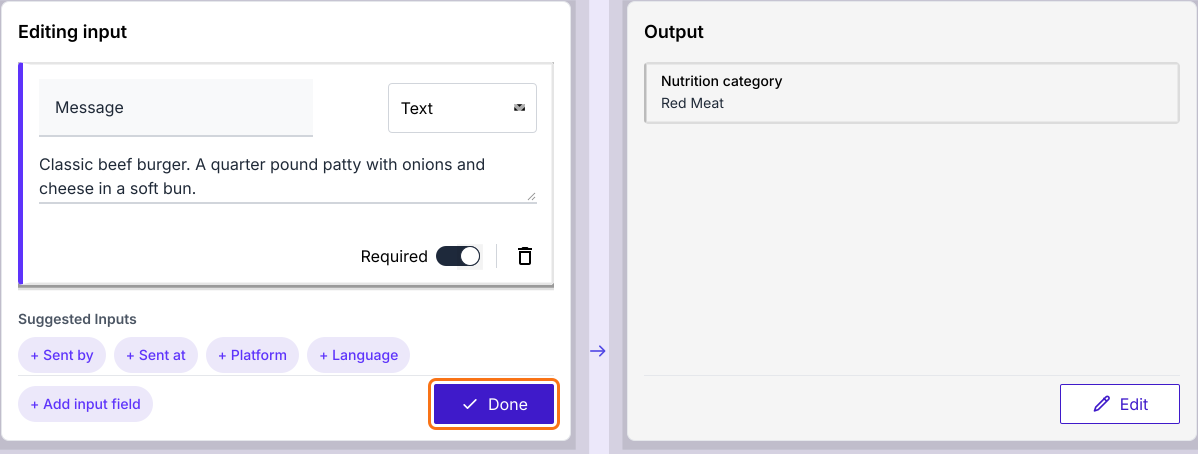
- Click Done. It takes about 20 seconds and the Output on the right will be filled in by AI.
- "Editing input" will be displayed. Click + Add input field if you need another input.
- Click Done
- "Editing output" will be displayed. Name the output Nutrition category and select Enum in its list. Enter your categories in place of Option 1 and Option 2. Click Add Option for each one you have.
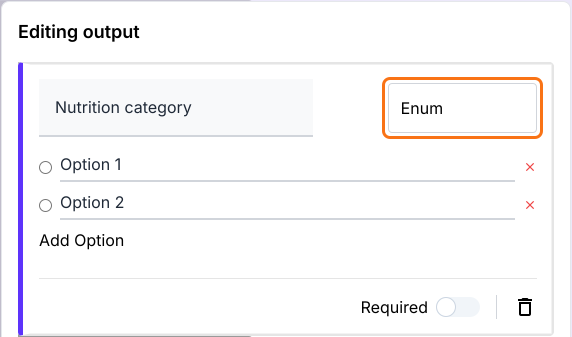
Note: In the output, choosing Enum for nutrition category makes it a classification model
- Click Done
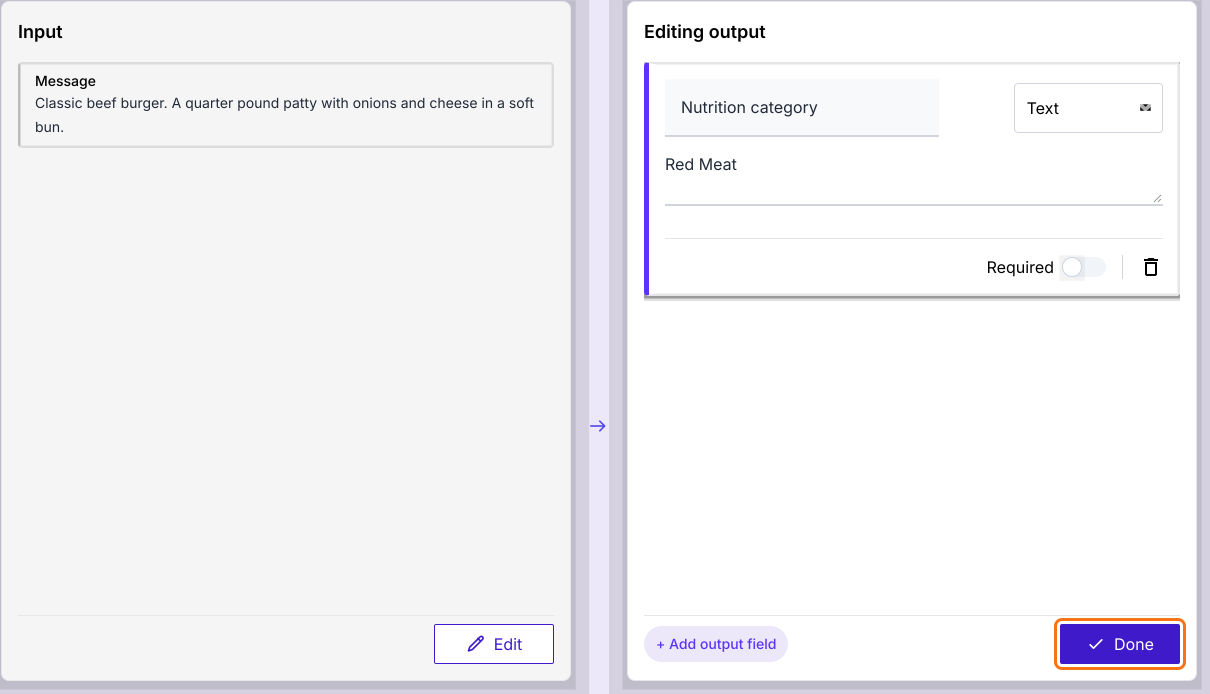
- Click Publish
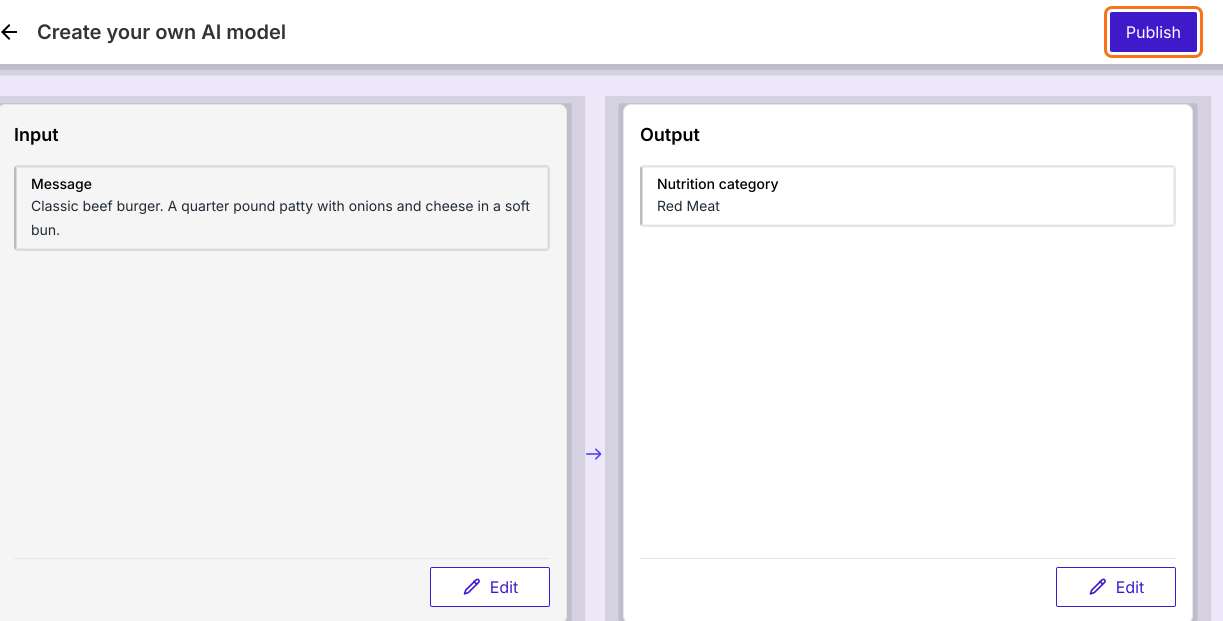
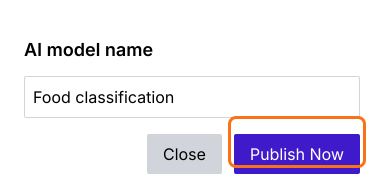
- Enter the AI model name and click Publish Now
- "Model is ready!" will be displayed. Click Proceed.
Step 3: Training & Testing the Model
- Click PREVIEW

- Enter a food name and its description and click PROCEED. Enter it first, because PROCEED with an empty box shows an error.
- The model should predict the correct category
- Click ADD TO TRAINING DATA on a result you like, to teach the model with one more example
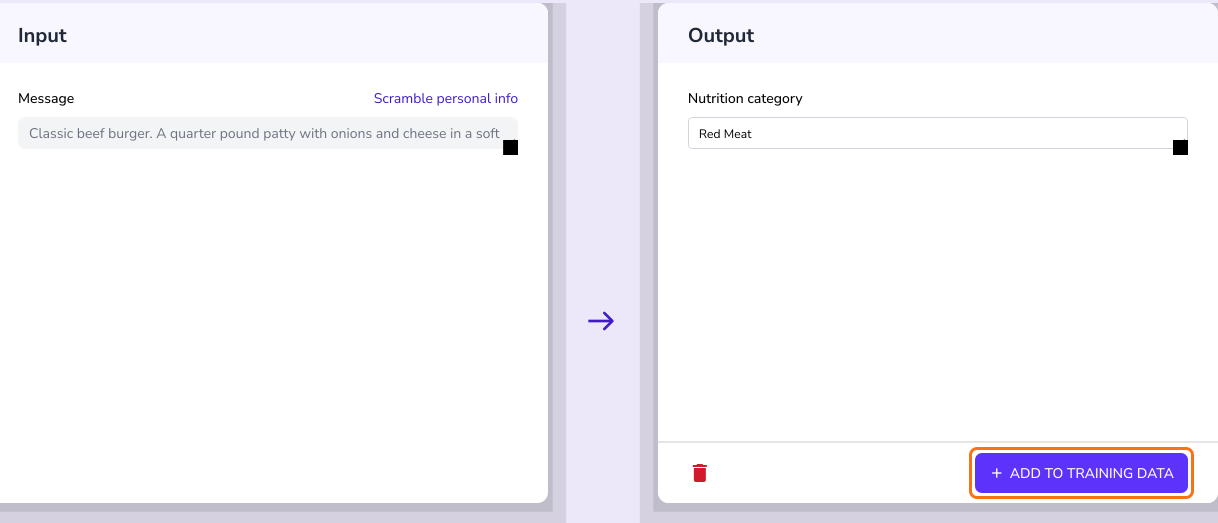
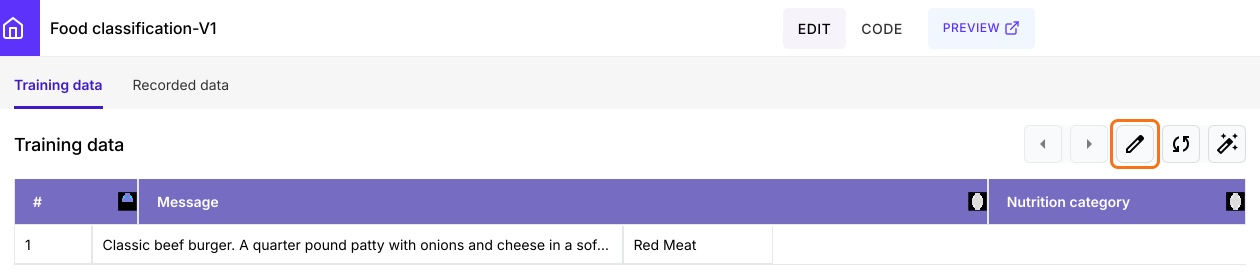
To add many examples at once, on the model page, click on the edit icon on the Training data tab. Its Google Sheet will open and you can add rows there.
Classification models are foundational for structuring data. Now, let's explore how to build an extraction model for retrieving structured data from unstructured text.
Summary
If you sort items into set categories by hand, it takes time and the labels do not always match. With Promptrepo, you enter an example, choose Enum for the output and publish a classification model. Create your AI model and complete the steps above. If you have any questions, write to support.
Last updated: